
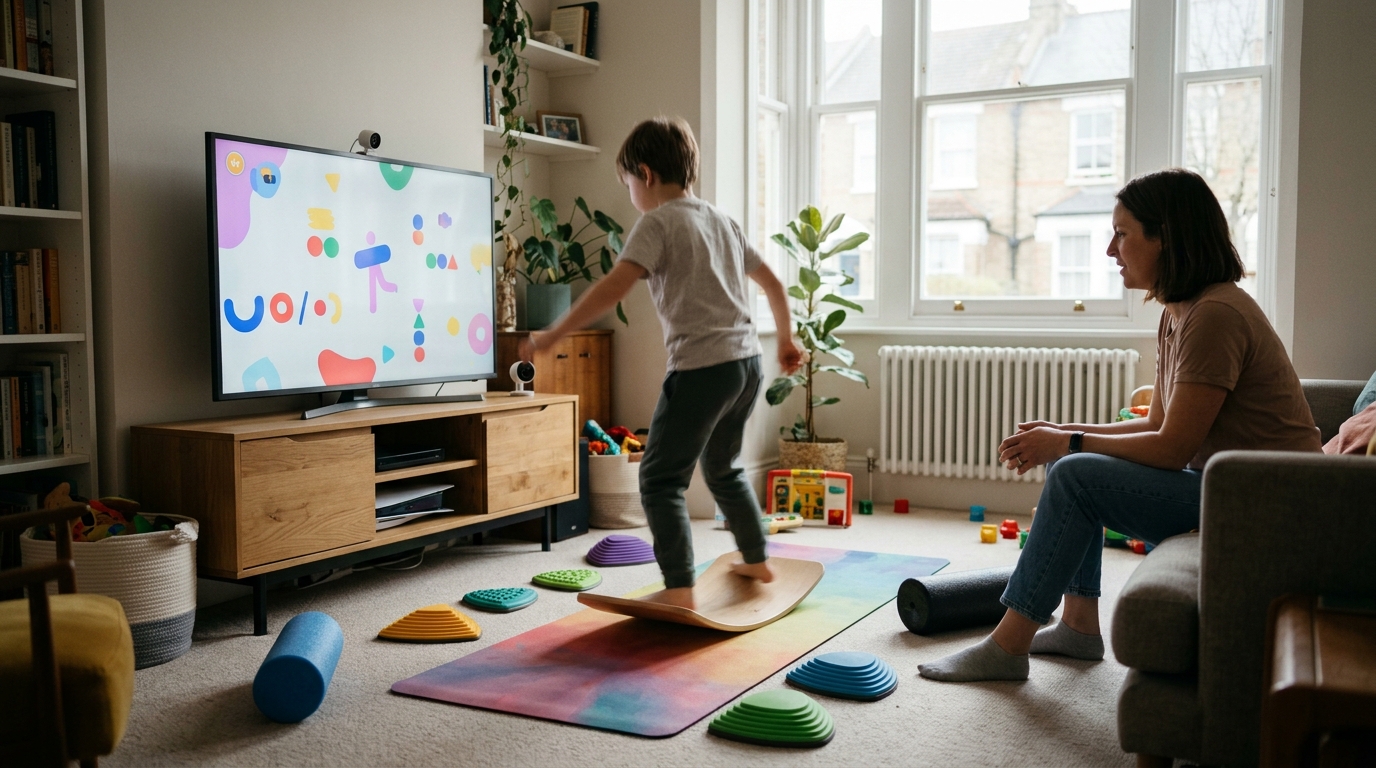
Setting up digital movement therapy at home is a practical way to support your child's motor development and learning readiness. You can prepare a safe, effective space in under 30 minutes. This guide walks you through the physical setup, technical requirements, and initial sessions. It is designed for parents in Birmingham and across the UK who want to support their child's progress between professional appointments.
Before You Start
Before you begin, ensure you have the following prerequisites ready. This will save time and reduce frustration during the first session.
- A stable internet connection with at least 10 Mbps upload speed.
- A device with a camera and microphone (laptop, tablet, or smartphone).
- A clear, open floor space of at least 2 meters by 2 meters.
- Access to the Digital Movement Therapy platform or your therapist's preferred video link.
Step 1: Prepare the Physical Space
The first action is to clear a dedicated area for movement. A correct result looks like a safe, obstacle-free zone where your child can move freely without risk of injury. Remove furniture, rugs, and toys from the immediate area. Ensure the floor is non-slip. If you are using a hard floor, consider adding a yoga mat or carpet for cushioning. Position the camera so it captures your child's full body from head to toe. This wide angle is critical for the therapist to observe posture and movement patterns accurately.
Step 2: Check Technical Requirements
Next, verify your technology setup. A correct result is a stable video feed with clear audio and no lag. Test your internet speed using a speed test tool. Ensure the device is charged or plugged in. Close unnecessary browser tabs and applications to free up processing power. Test the microphone and camera by recording a short video of yourself moving. Check that the lighting is bright enough for the therapist to see your child clearly. Avoid backlighting, which can make the screen dark and obscure movement details.
Step 3: Schedule and Join the First Session
The third step is to book and attend the initial assessment or session. A correct result is a successful connection with your therapist and a clear understanding of the session structure. Use the Book a Consultation page to schedule your first appointment. Join the video call 5 minutes early to test the connection. Introduce your child to the therapist to build rapport. Be prepared to answer questions about your child's daily movements and any specific concerns you have. The therapist will guide you through the first set of exercises, which may be simple and playful to engage your child.
Step 4: Establish a Routine
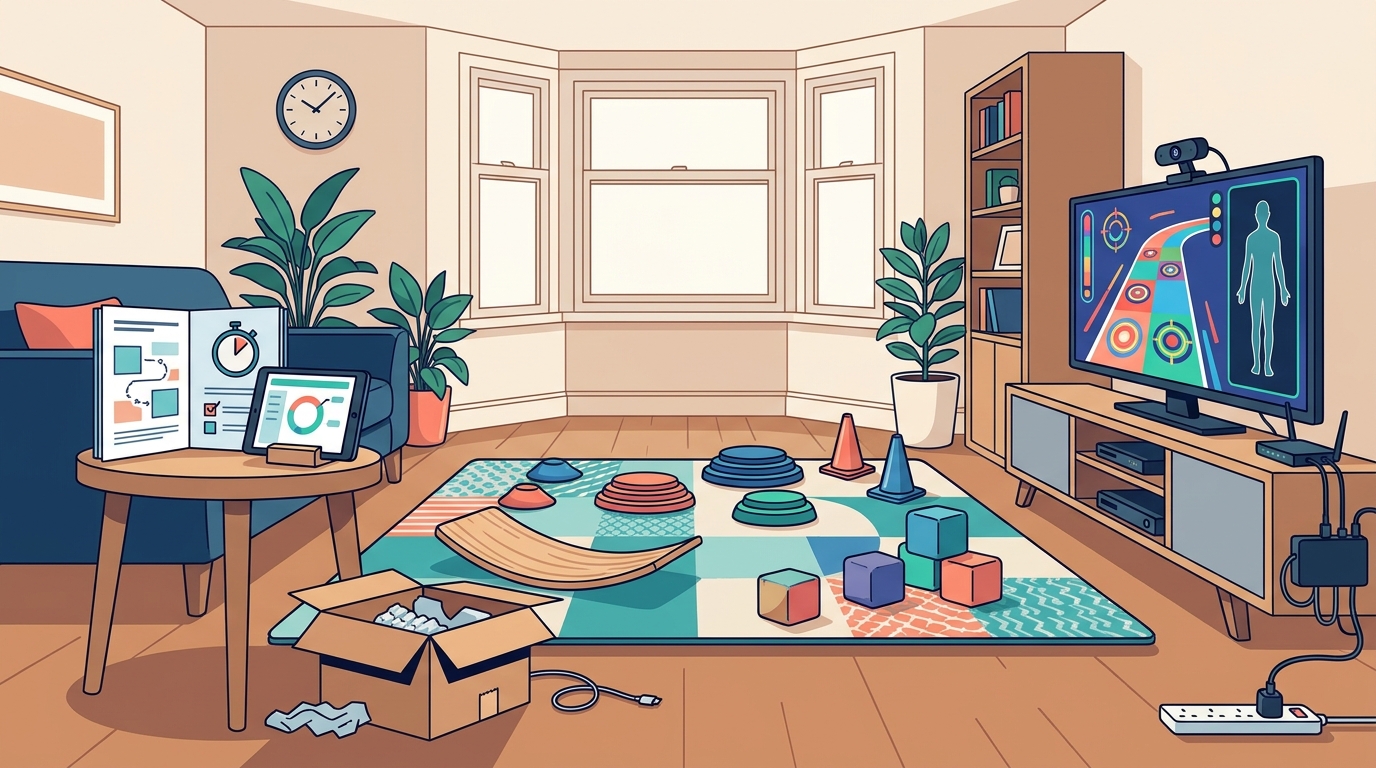
Finally, integrate the therapy into your weekly routine. A correct result is a consistent schedule that your child anticipates and enjoys. Choose a time of day when your child is most alert and cooperative. Avoid scheduling sessions immediately after meals or before bed. Create a visual schedule or reminder system to help your child remember the routine. Keep the session duration consistent, typically 30 to 45 minutes. Celebrate small wins to maintain motivation. Consistency is more important than intensity when building motor skills and neural pathways.
When It Goes Wrong
Technical and behavioral issues can arise during home sessions. Here are common failures and how to fix them.
- Video Lag or Freezing: If the video freezes, switch to a wired ethernet connection if possible. If using Wi-Fi, move the device closer to the router. Lower the video quality settings in the platform if available.
- Child Refuses to Move: If your child is resistant, pause the session. Let them take a break. Try a different activity or a shorter session duration. Make it playful rather than task-focused.
- Poor Camera Angle: If the therapist cannot see your child's feet, move the camera higher and further back. Use a tripod or stack of books to stabilize the device at the correct height.
- Noise Interference: If background noise is distracting, move to a quieter room. Turn off televisions and other electronic devices. Use noise-cancelling headphones if available.
Frequently Asked Questions
What is digital movement therapy?
Digital movement therapy is a remote intervention service that uses video calls to guide children through motor exercises. It is designed to improve coordination, balance, and learning readiness. The therapist observes the child in real-time and provides immediate feedback.
Do I need special equipment for home sessions?
You do not need special equipment. A standard device with a camera and microphone is sufficient. You need a clear space for movement and a stable internet connection. No specialized software is required beyond the video platform used by your therapist.
How often should we do movement therapy at home?
Most programs recommend 2 to 3 sessions per week. Consistency is key. The exact frequency depends on your child's needs and the therapist's recommendations. You may also be given short daily exercises to do between sessions.
Can I do the exercises myself with my child?
Is digital movement therapy suitable for all children?
Digital movement therapy is suitable for many children with motor difficulties, ADHD, or autism. It is not a replacement for in-person therapy if your child requires hands-on support. A therapist will assess whether remote delivery is appropriate for your child's specific needs.
Next Steps
Setting up digital movement therapy at home is a manageable process that requires minimal equipment and consistent effort. By preparing your space and technology, you create a foundation for effective remote support. If you are ready to begin, book a free consultation with Learning DNA to discuss your child's specific needs and get started with a tailored plan.